Wall-Out by Mr Carpentry. Point at a wall and take it out.


WALL-OUT
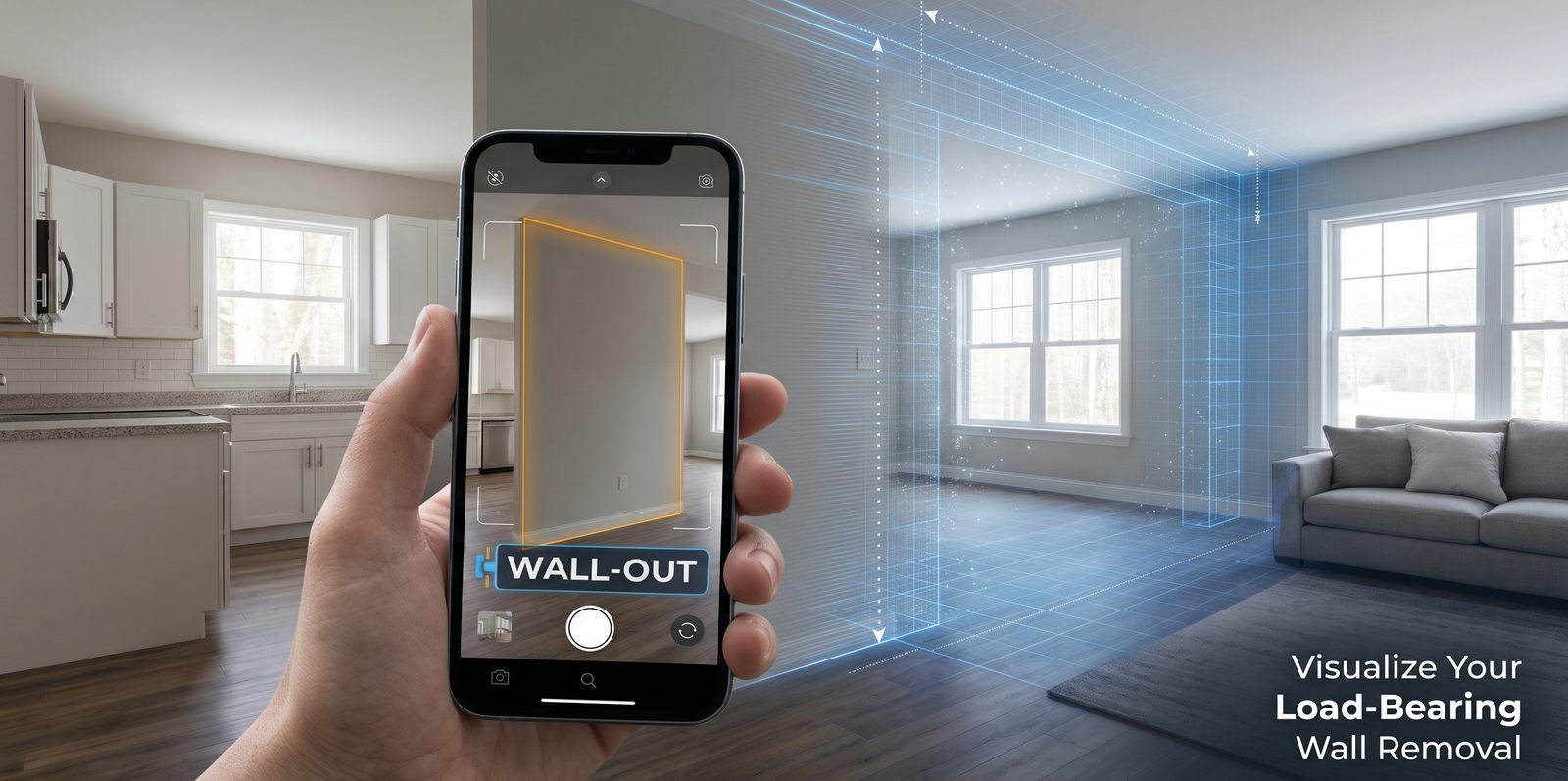
Add the room behind the wall, mark it out, then slide it open.
- 1.The wall you'll see after demoUpload a picture of the wall you would see after the target wall is demoed and removed. Use Try the model house, below, for a quick look.
- 2.Mark out wallClick Point at the wall, then drag the dot corners until they fit the wall.
- 3.Slide it outThe slider opens the wall from the left or the right.